 eden
EDEN
Close the passage: what can you remember?
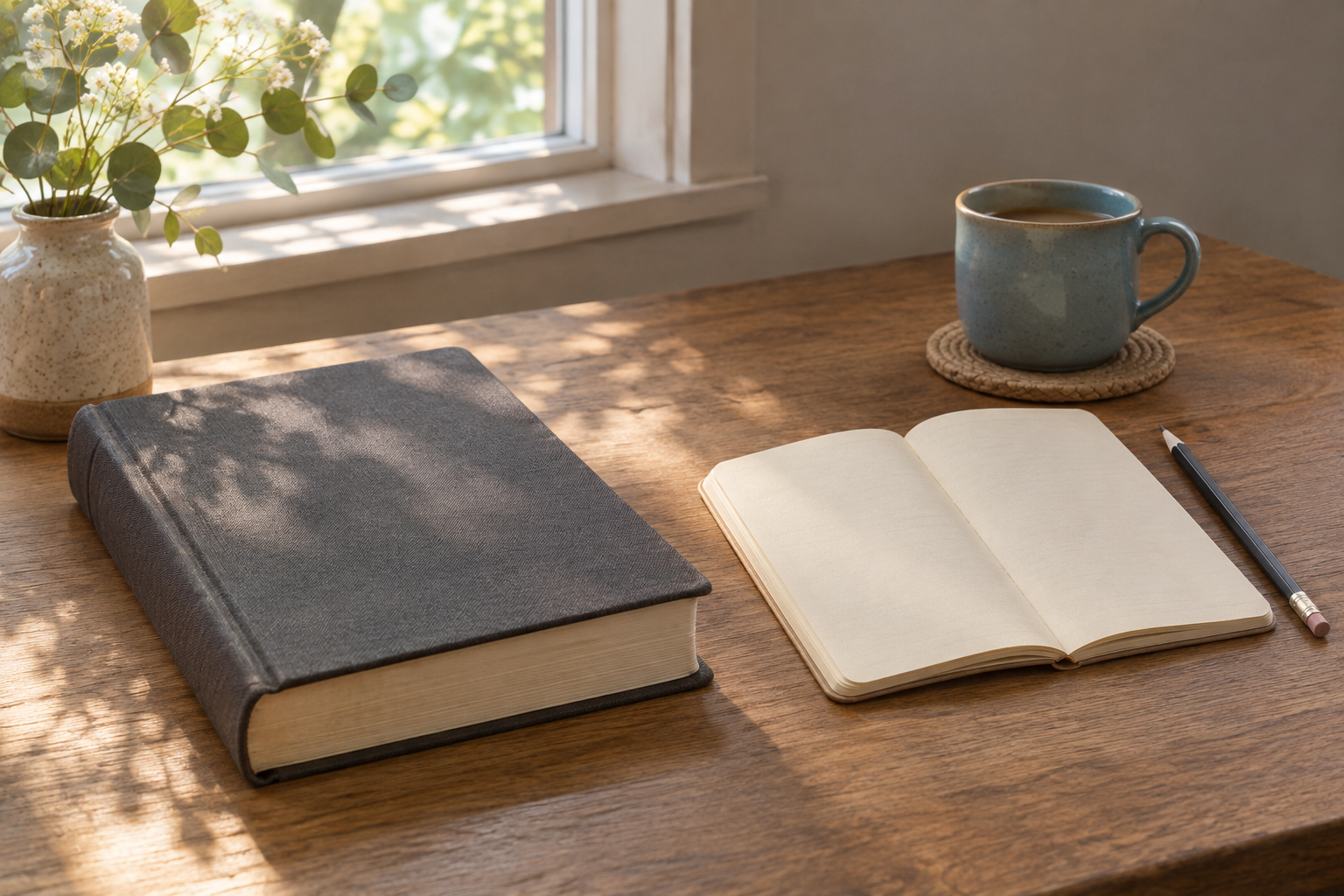
You finish a Bible passage and put down your phone. Before opening something else, try saying one sentence about what you read. Keep the passage closed while you try. Then open it again and check whether your memory matches the text.
Our guide to remembering your reading covers several ways to revisit a passage. Here we work through one exercise with a specific example. Use a notebook, or keep the final reflection in Eden.
Start with one scene
Choose a passage with a clear beginning and ending. Write down the reference so you can return to it. Read the whole passage before taking notes.
For this example, use Luke 10:38–42. Martha welcomes Jesus, while Mary listens to him. Martha asks for help with the preparations; Jesus responds to her concerns and Mary's choice. Read the passage.
This is an editorial summary, rather than a quotation or a question from today's Eden quiz.
Close the text and make an attempt
Answer in your own words: what happened in this scene? Resist checking the passage after every few words. If you cannot remember a detail, leave a question mark.
A first attempt might read: “Mary listened to Jesus and Martha was busy. I cannot remember exactly what she asked.” That note gives you something specific to check. You can leave a gap without guessing.
In a 2006 study, Roediger and Karpicke asked students to recall prose passages or read them again. Earlier recall led to better results on tests after two days and one week. This concerned learning texts, not Eden's effectiveness or understanding the Bible. Study summary.
Reopen the passage and separate three things
Compare your note with the text. These three fields can help:
| Field | Example for Luke 10:38–42 |
|---|---|
| I remembered | Mary listened to Jesus. |
| I add after checking | Martha wanted Mary to help her. |
| My reflection | I want to give someone my attention before returning to the next task. |
The last sentence is a personal reflection. Keep it separate from what the people in the account said. If you are uncertain about an interpretation, read the wider context and check the translation you use.
Keep an idea you can return to
Golden Thoughts in Eden lets you keep personal reflections. Save the passage reference and a sentence you want to revisit. Eden's quiz covers the daily text; it does not automatically generate questions for every passage you choose for this exercise.
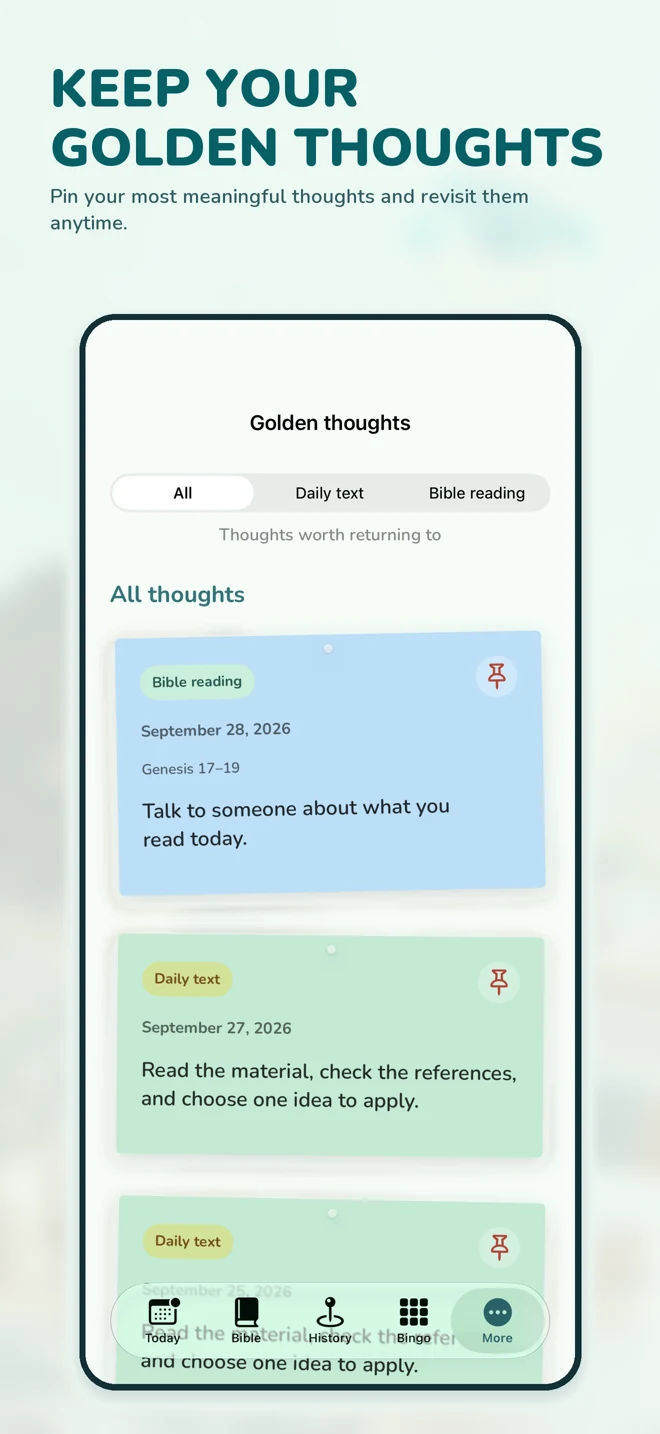
At your next reading session, try recalling the idea before opening the note. Choose a time to return that fits your reading routine.
A worksheet for today's reading
Copy these prompts into your notebook:
- Passage and date:
- Without looking, I remember:
- After checking, I add:
- My reflection or question:
- When I want to return:
If you remember little today, choose a shorter passage and check it at your own pace. The worksheet helps you notice what remained after reading. The number of sentences you write does not measure your faith.
App availability depends on your store country.
Eden
A reading plan, a short quiz, and a thought to keep. Make a little room for the Bible.

 Coming soon
The main features require an active subscription. Prices and terms are shown in the App Store before purchase.